
What is Podux?
Podux is a modern frpc management platform built on PocketBase and React, providing a visual interface to manage intranet penetration services.
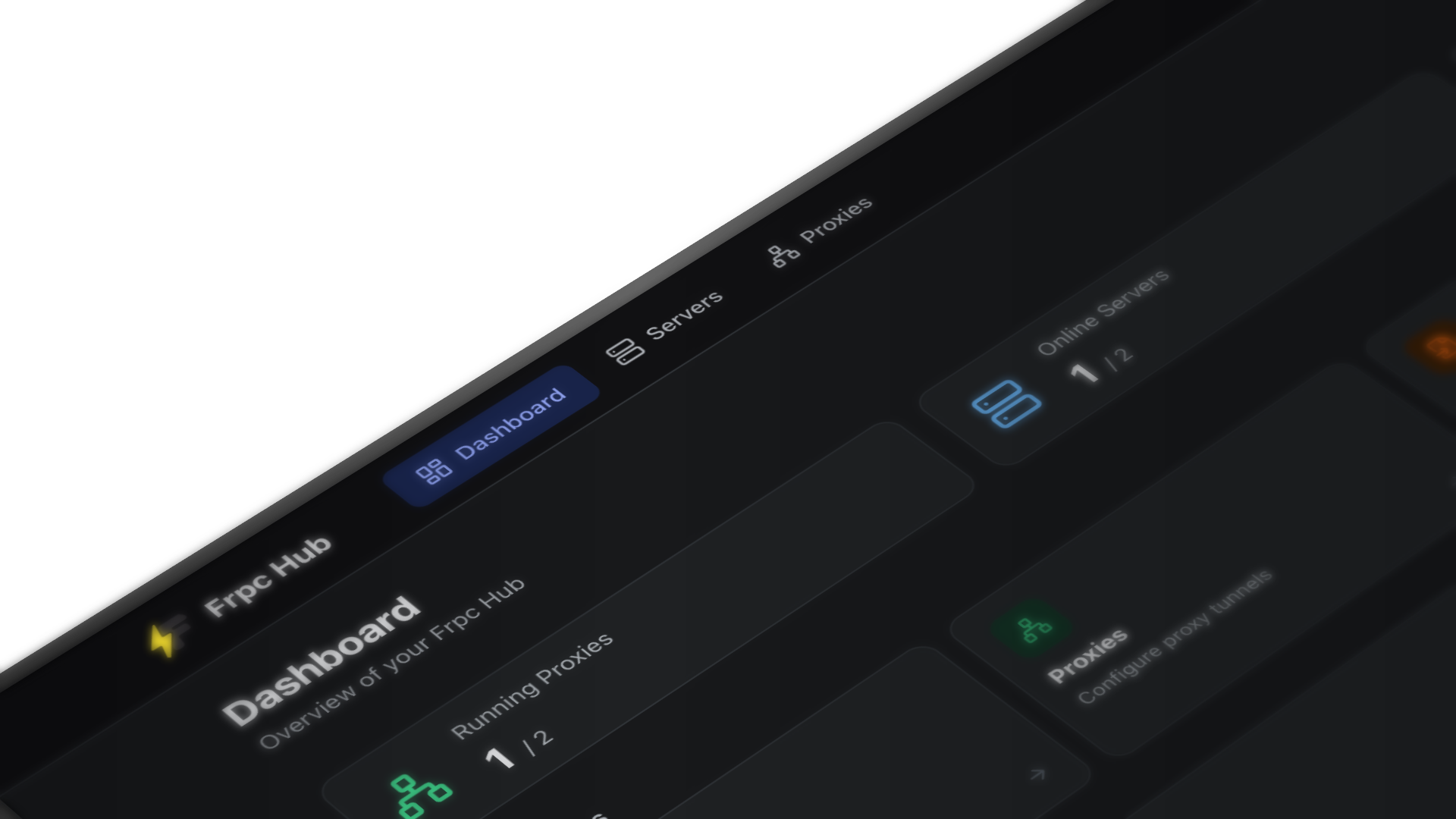
Dashboard
The Name
Podux = proxy + port + dux (Latin: leader, guide)
The name itself is a statement of intent: not just a frontend for one tool, but a unified platform to lead and guide your tunneling infrastructure.
Why the Rename?
Podux started life as frpc-hub — a project built around frpc. As it grew, the vision became clear: support not just frp, but become a unified platform for managing multiple tunneling tools.
The name frpc-hub tied the project to a single tool and couldn't carry that larger ambition. Podux reflects where the project is headed — a single, forward-looking platform that can grow to support more protocols and tools beyond frp.
The rename happened in March 2026. The repository and all related references have been updated accordingly.
Background
frp is one of the most popular open-source intranet penetration tools. Its client frpc establishes tunnels with the server frps via configuration files (.toml / .ini), exposing local services to the public internet.
However, using native frpc comes with several pain points:
- Config-file-driven only: Every change requires manually editing files and restarting the process
- Difficult multi-server management: Maintaining multiple frps servers leads to scattered, error-prone configs
- No visual monitoring: No intuitive way to view connection status or latency
- High operational cost: Upgrades, backups, and migrations are all manual
Podux was built to solve exactly these problems.
Core Features
Server Management
Centrally manage multiple frps servers with support for:
- Add, edit, and delete server configurations
- Auto-connect and automatic reconnection on failure
- Real-time latency monitoring with geolocation display
- One-click enable/disable toggle
Proxy Management
Create and manage proxy tunnels via visual forms. Supported proxy types:
| Type | Description |
|---|---|
| TCP | General-purpose TCP port forwarding |
| UDP | UDP traffic forwarding |
| HTTP | HTTP reverse proxy |
| HTTPS | HTTPS reverse proxy |
| STCP | Secure TCP, peer-to-peer encrypted |
| SUDP | Secure UDP |
Hot Reload
After modifying proxy configurations, Podux automatically triggers an frpc reload — no manual restart required, zero service interruption.
Modern Interface
Built with Radix UI and Tailwind CSS, delivering a clean and elegant UI with Chinese/English language switching.
Architecture
┌─────────────────────────────────┐
│         Browser (React)         │
│   Radix UI + Tailwind CSS       │
└────────────────┬────────────────┘
                 │ HTTP API
┌────────────────▼────────────────┐
│        Backend (PocketBase)     │
│   Embedded SQLite Database      │
└────────────────┬────────────────┘
                 │ Process Management
┌────────────────▼────────────────┐
│              frpc               │
│   Local intranet tunnel client  │
└────────────────┬────────────────┘
                 │ Encrypted Tunnel
┌────────────────▼────────────────┐
│              frps               │
│   Public server (user-deployed) │
└─────────────────────────────────┘
Podux ships as a single executable that embeds both the PocketBase backend and frontend assets — ready to run with zero extra dependencies.
Comparison with Manual Management
| Manual frpc | Podux | |
|---|---|---|
| Configuration | Edit .toml files | Visual forms |
| Reload config | Restart process manually | Automatic hot reload |
| Multi-server | Maintain multiple config files | Unified dashboard |
| Status monitoring | Read logs | Real-time monitoring panel |
| Cross-platform deploy | Requires environment setup | Single file, ready to run |
Use Cases
- Developers: Quickly expose local dev environments (web services, databases, SSH) to the internet for testing or demos
- DevOps engineers: Manage intranet penetration configs across multiple machines from one place
- Home users: Set up home servers, NAS, or remote desktop without memorizing complex config syntax
Next Steps
- Getting Started — Up and running in 5 minutes
- Binary Installation — Deploy to your server
- Docker Installation — Container-based deployment